Reseller
Customers can use the GFI Accounts Portal to start the purchase process. When this option is used, the GFI Reseller receives an email with a link to continue with the second step of the purchase process.
To continue the process:
- Open the email received and click Quote and order now.
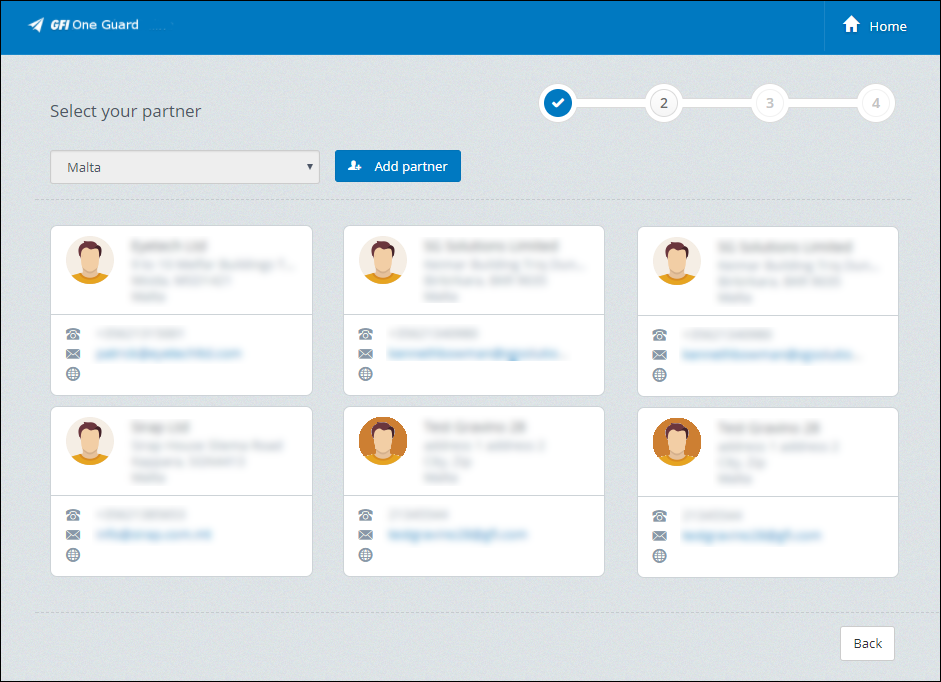
Select your partner options
- The shopping cart opens with the reseller option selected. Check that your reseller details are correct and click Next.
- The Plan and Term options that the customer chose are already selected. Check that they are correct and click Select plan to continue.
- Revise the Payment Summary. Under Professional Package you can alter the plan package selected previously and the number of users.
- Click Proceed to checkout.
The request is forwarded to the GFI Distributor associated to your account.