Distributor
Customers can use the GFI Accounts Portal to start the purchase process. The request is received by the Reseller that revises the details and then forwards the request to a GFI Distributor. At this point, the GFI Distributor receives an email with a link to continue with the third step of the purchase process.
To continue the process:
- Open the email received and click Quote and order now.
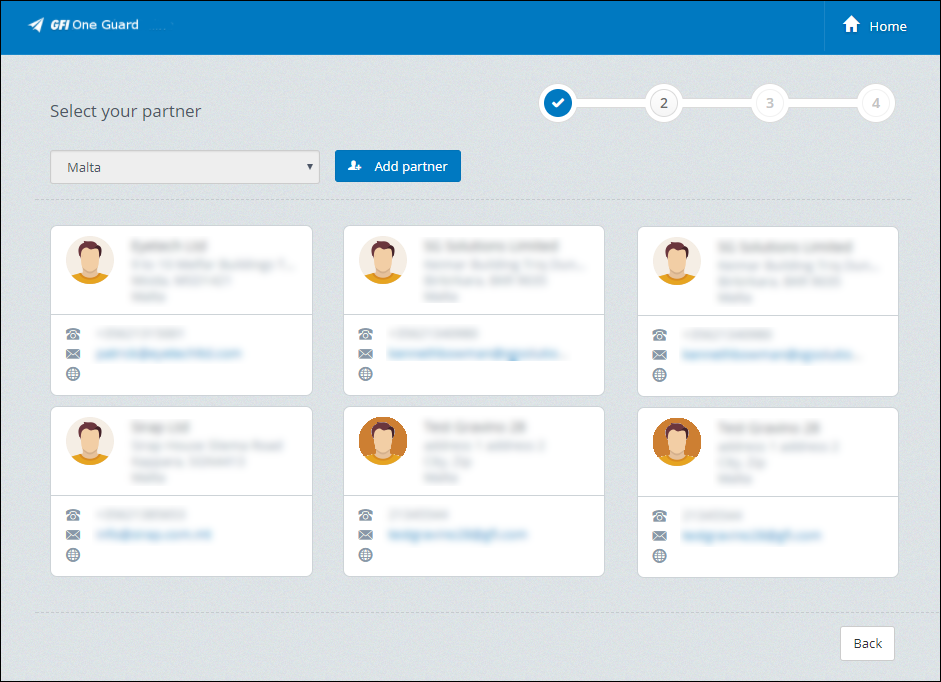
Select your partner options
- The shopping cart opens, with the reseller option selected. Check that the details of the reseller are correct and click Next.
- The purchase plan and term options that the customer chose are already selected. Check that they are correct and click Select plan to continue.
- Revise the Payment Summary. Under Professional Package you can alter the Plan package selected previously and the number of users.
| Payment method | Description |
|---|---|
| On Credit |
Select this option to pay at a later stage. Payment will be due based on your payment terms. Enter the purchase order number. |
| New payment method | Select this option to make payment immediately using a credit card. |
- (Optional) If you selected New payment method you need to enter the credit card details:
| Field | Description |
|---|---|
| Card Number | Type your debit or credit card number. |
| Security Code / CVV | The CVV number on your credit or debit card is a security number on the back of your card. It is a three digit number for VISA, MasterCard or Discovery. It is a four digit number for American Express. |
| Cardholder name | Type in the name of the titular of the card. |
| Expiration month | Select the month your card expires. |
| Expiration Year | Select the year your card expires. |
- (Optional) Click Send to Review in case you are not sure of all the details. The process will be completed by the GFI SOP team.
- Click Buy Now to complete the purchase.
The customer and reseller are notified via email that the purchase is completed.