Renewing a license or subscription
The renewal of a client's license or subscription ensures continuity of support, upgrades and security updates.
Use the GFI Accounts Portal to access the information about your client's license status and to start a renewal process when necessary.
GFI Software Ltd sends several warning emails to alert customers that a license is about to expire. The emails are sent prior to the product's renewal date. If the product license expires, other follow up emails are sent, explaining the steps to take to renew the license.
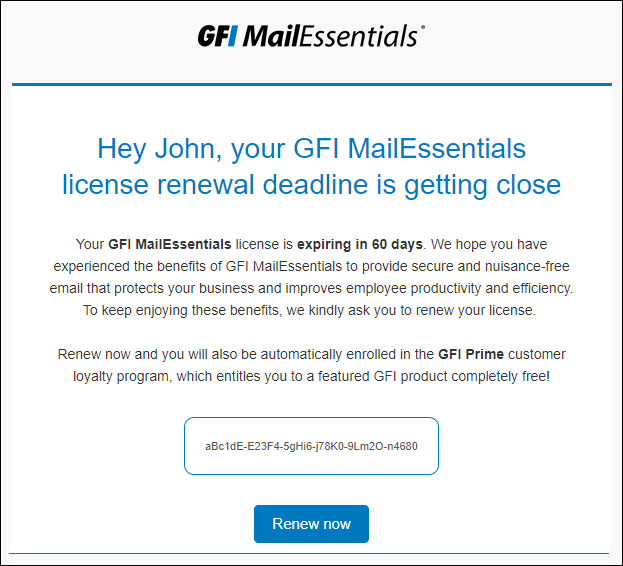
Sample of emails sent to clients
When the customer clicks Renew now within the email, the system opens a new email pre-populated with the customer's reseller's email address and a request for renewal.
Once you receive the email, access the client's details in the GFI Accounts Portal and proceed to renew. The process is the same as when purchasing a new product. For more information refer to Purchasing a new product.